How to Redeem Slayer Evolution Codes
Find the Codes UI after the tutorial, paste verified strings, and avoid fake gift lists.
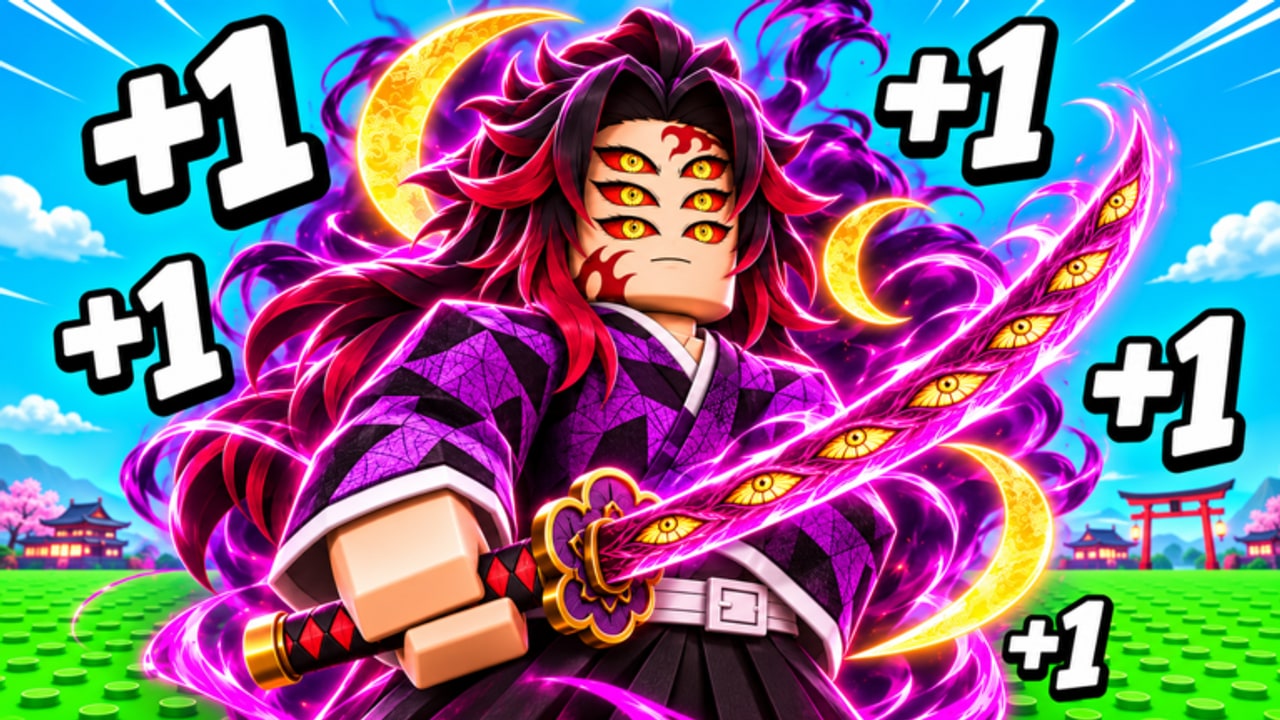
Redeeming codes in Slayer Evolution is simple once the tutorial unlocks the Shop or Codes area, but most failed claims come from skipping that unlock, mistyping strings, or trusting unverified lists. This guide walks through the exact habit loop for Fluxzi’s Roblox incremental simulator—officially titled [W3]+1 Slayer Evolution—so you can claim gifts the moment they appear without derailing Power farming, stage clears, or rebirth plans.
Before you hunt strings, skim the live status on the Codes Hub. At research time there were no publicly verified active codes. That makes redeem skill still valuable: when Fluxzi drops a World 2, World 3, or Akaza celebration gift, players who already know the UI claim first. Pair this page with Getting Started if you have not finished early training zones yet.
Prerequisites before the Codes button appears
Slayer Evolution gates several menus behind the opening tutorial. If you just joined the place, complete the onboarding prompts that teach clicking for +1 Power, basic movement, and the first training interactions. Do not alt-tab to Discord looking for codes during those minutes—the Codes or Shop entry often stays hidden until the game marks the tutorial complete.
Checklist before redeeming:
- You can click to gain Power without a blocking tutorial arrow.
- You can open the main shop or progression menus.
- Daily rewards are visible so you know the freebie UI pattern.
- You are on an account that owns the session (not a random shared VIP server with odd UI scaling).
If any item fails, return to Getting Started and finish the early loop: Power clicks, a training zone, and a first stage attempt.
Step-by-step redeem flow
1. Confirm the code is real
Open the Codes Hub and compare the string against Fluxzi sources: the Roblox game description, the Fluxzi group shout or wall, and Discord announcements. Reject lists that invent codes for “every Demon Slayer Roblox game” or recycle expired simulator gifts. A real code is short, case-sensitive as posted, and tied to Slayer Evolution specifically.
2. Launch the correct place
Join the live experience from the official place link (universeId 10774392377). Private copies, wrong universe redirects, or outdated favorites can open older builds without the current Shop layout. After World updates, always rejoin from the official page so the Codes UI matches the patch notes.
3. Open Shop / Codes after the tutorial
Look for a Shop, Codes, or gift-ticket button on the HUD once onboarding ends. Mobile players may need to expand a side menu; desktop players usually see a store icon near other progression buttons. Tap Codes, then focus the text field. If the field is missing, you are still tutorial-locked or on a temporary event UI—rejoin once and check again.
4. Paste carefully and submit
Copy the code exactly. Avoid leading spaces, trailing punctuation from chat messages, and OCR errors from screenshots. Paste into the field, submit once, and wait for the success or failure toast. Double-submitting a valid code can look like an error even when the first attempt already granted rewards.
5. Verify the reward landed
Check Power, wins, dice, boost timers, and inventory right after a success message. Some gifts apply instantly; others add currency you still need to spend on characters, auras, or upgrades. Log what you received so you can compare later codes on the Codes Hub.
6. Resume the efficient Power loop
Do not idle in the shop. Spend useful currency, equip any aura multiplier you unlocked, then return to training zones, breathing-bubble clicks, and stage pushes. Codes are accelerators—your long-term curve still depends on stages, fifteen character unlocks, title rolls, and rebirth.
Common redeem errors and fixes
| Symptom | Likely cause | Fix |
|---|---|---|
| No Codes button | Tutorial incomplete | Finish onboarding; see Getting Started |
| Invalid code | Typo, expired, or fake list | Recopy from Fluxzi; ignore unverified pastes |
| Already redeemed | Account claimed it earlier | Stop resubmitting; check another account only if allowed |
| Nothing happens | Lag or wrong place version | Rejoin official place; try once more |
| Success but no Power jump | Currency/boost gift | Check wins, dice, x2 timers, and shop wallets |
Daily rewards while you wait for codes
Because verified promos can be sparse, treat daily rewards as your guaranteed free layer. Claim wins, dice, and x2 boosts at the start of every session before you roll titles or buy auras. A consistent daily streak often outpaces a player who only logs in on rumor days. When a code finally lands, the boost stacks on top of an account that already trained and cleared stages that day.
Recommended claim order:
- Daily rewards
- Any newly verified code from Fluxzi
- Short training burst in your highest zone
- Stage clears until demons stall you
- Shop spends aligned with the tier list priorities
Safe habits for codes and accounts
Never enter Roblox passwords into “code generator” websites. Slayer Evolution codes are redeemed inside the Roblox client, not on random claim sites. Do not download “code unlocker” executables. If a Discord stranger asks you to run a script to “unlock all codes,” stop and read the Scripts safety notes—those requests are not the same as typing a Fluxzi gift string.
Also avoid sharing screenshots that include full account cookies or private server links with elevated permissions. Promo codes themselves are public; your login material is not.
After a successful redeem: what to spend on
Gift value is wasted if you dump everything into low-impact cosmetics. Prioritize:
- Auras that multiply Power while you click and train
- Characters that clear your current stage band faster (Tanjiro, Zenitsu, Akaza, and later unlocks as they fit)
- Upgrades that shorten the path to the next rebirth
- Title rolls only after Power multipliers are covered, unless a title clearly buffs farming
Return to the Codes Hub whenever World 2 or World 3 patch notes mention gifts, and keep this redeem checklist bookmarked so you are never relearning the UI on a limited-time drop.
Quick practice run (even with no live code)
Even when the hub shows zero active codes, practice the muscle memory: open Shop/Codes, focus the field, and cancel out. That thirty-second drill means you will not fumble when Fluxzi posts a real string during a boss event. Then jump back into training, stages, and the rest of your Getting Started plan.
Master the redeem UI once, claim dailies every day, and let verified Fluxzi drops amplify a clean Power loop—not replace it.
Frequently Asked Questions
Quick answers to the most common questions.
Where is the Codes button in Slayer Evolution?
After the tutorial, open the Shop or Codes area on the HUD. If you still only see onboarding arrows, finish early Power and training steps first.
Why does my code say invalid?
It may be mistyped, expired, already redeemed, or never real. Recopy from Fluxzi channels and confirm status on the Codes Hub.
Can I redeem codes on mobile?
Yes. Join the official Roblox place, finish the tutorial, open Shop/Codes from the mobile menu, paste the string, and submit once.
Should I use code generator websites?
No. Redeem only inside Slayer Evolution. External generators are scams and can steal accounts.
What should I do if there are no active codes?
Claim daily rewards, follow Getting Started, and watch Fluxzi channels until the Codes Hub lists a verified drop.